
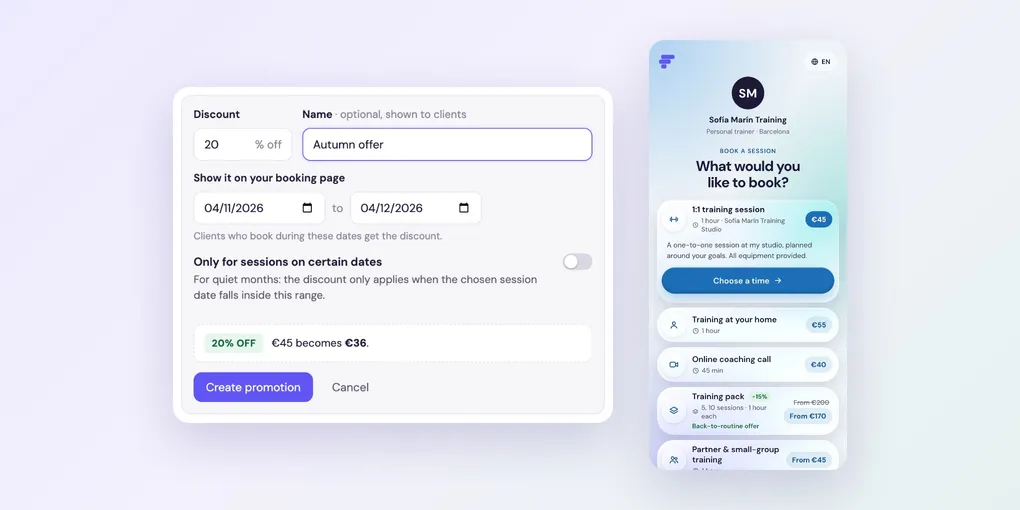
How to Run a Promotion in Foundslot
A promotion is a temporary percentage discount on one package. Clients see a % OFF badge and the old price crossed out on your booking page. Use it to fill a quiet month or launch a new package. Promotions are a Pro feature, and aren’t available for Open price packages.
Create a promotion
Go to Packages, click the package and, under Promotions, click New promotion.
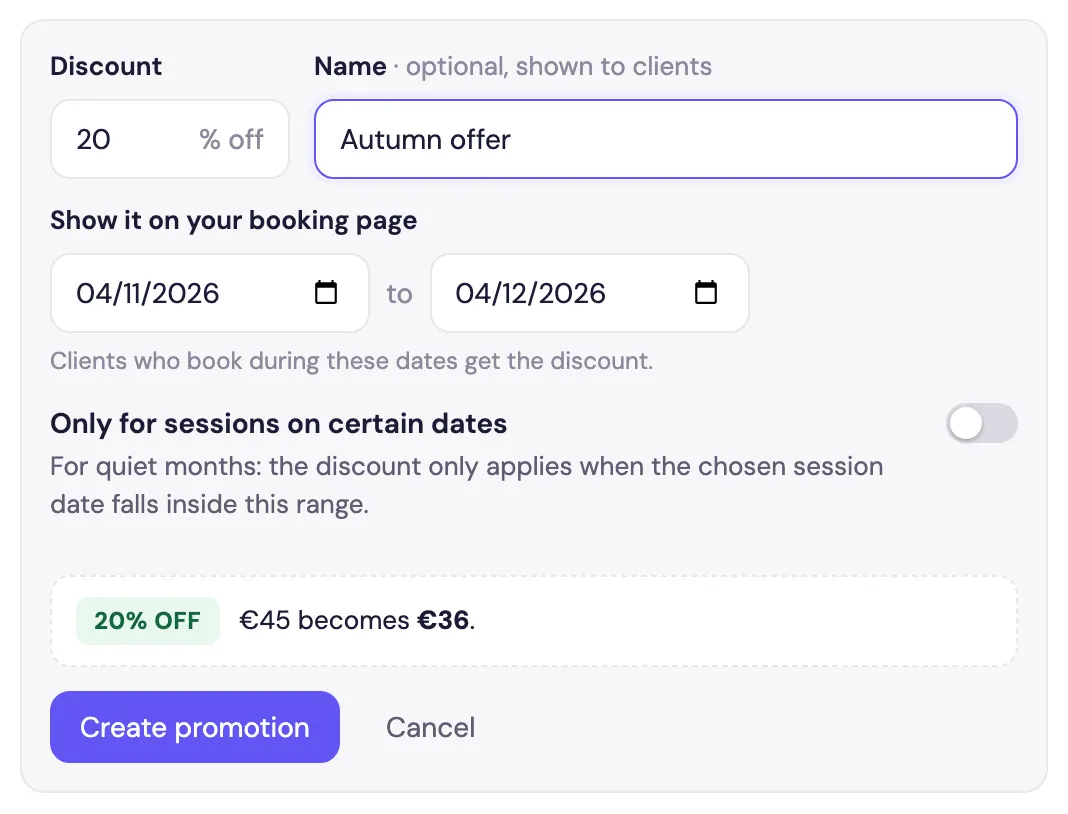
- Discount: the percentage off.
- Name (optional): shown to clients, such as Autumn offer.
- Show it on your booking page: the dates the promotion runs. Clients who book during these dates get the discount.
- Only for sessions on certain dates: for quiet months. The discount only applies when the session date falls inside this range.
The preview shows the result, for example €45 becomes €36. Click Create promotion.
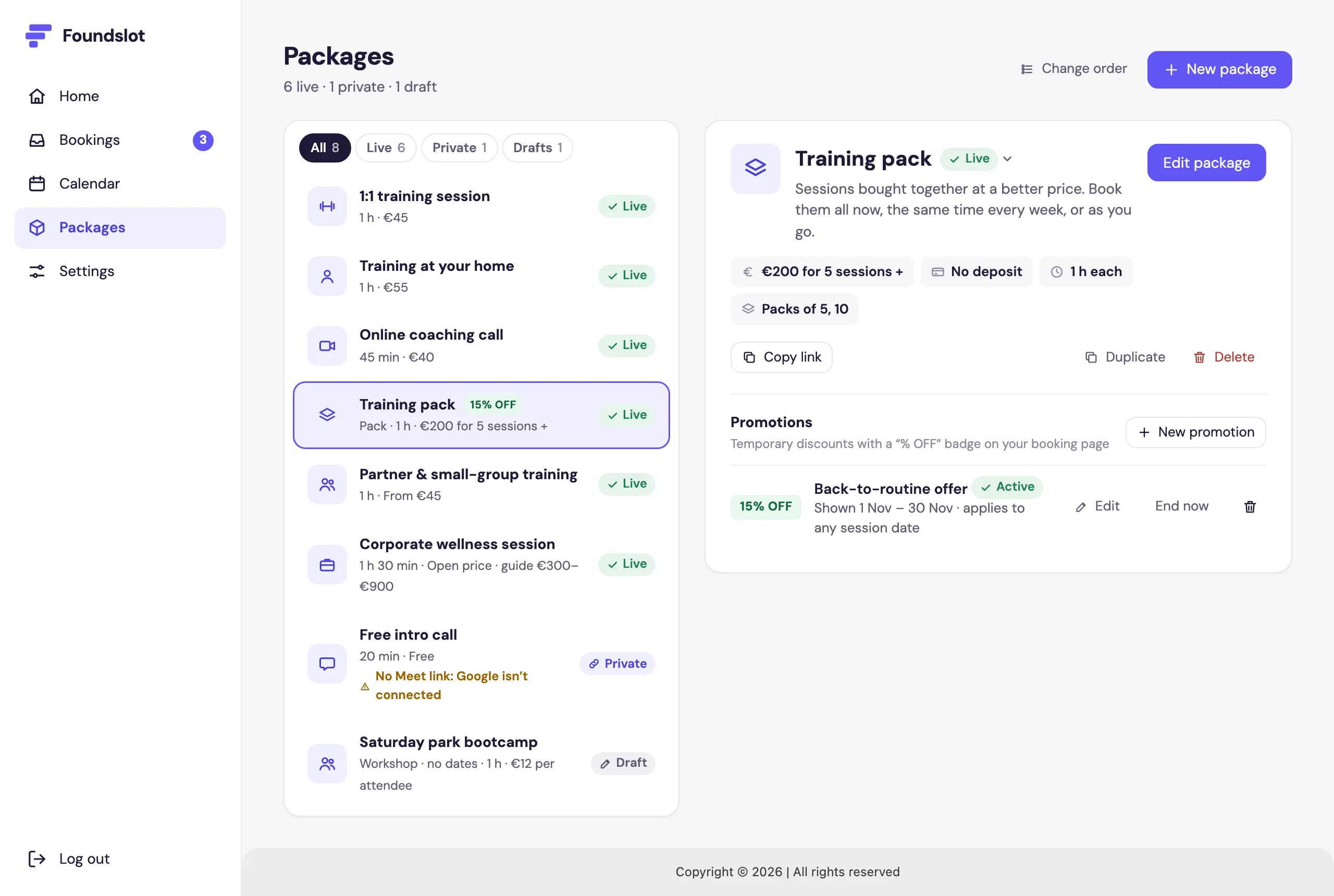
See it on your package
The package shows its promotion and a % OFF badge in your list:
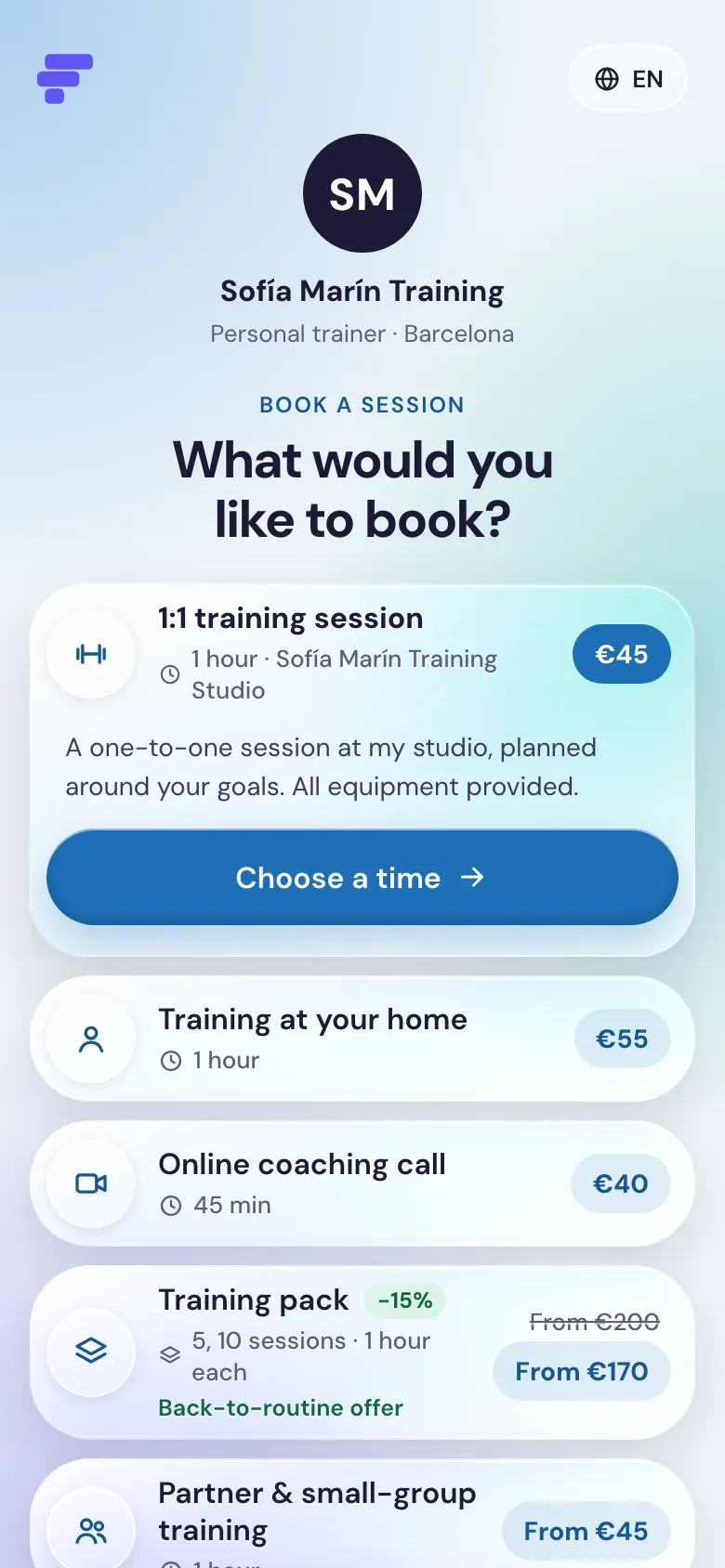
And on your booking page, clients see the discount, the old price crossed out and the promotion’s name:
Frequently asked questions
No. It applies to the package price only, not to travel fees or extras added by answers. The deposit stays the same.
One at a time. Once a promotion has ended, you can create a new one.
No, promotions are a Pro feature. On Free they’re paused.