How to Handle Booking Requests in Foundslot
A request is a booking that waits for your OK. It happens when a package uses manual review, or when something needs a look, such as an address outside your travel area. See instant booking or manual approval for when this happens.
Find your requests
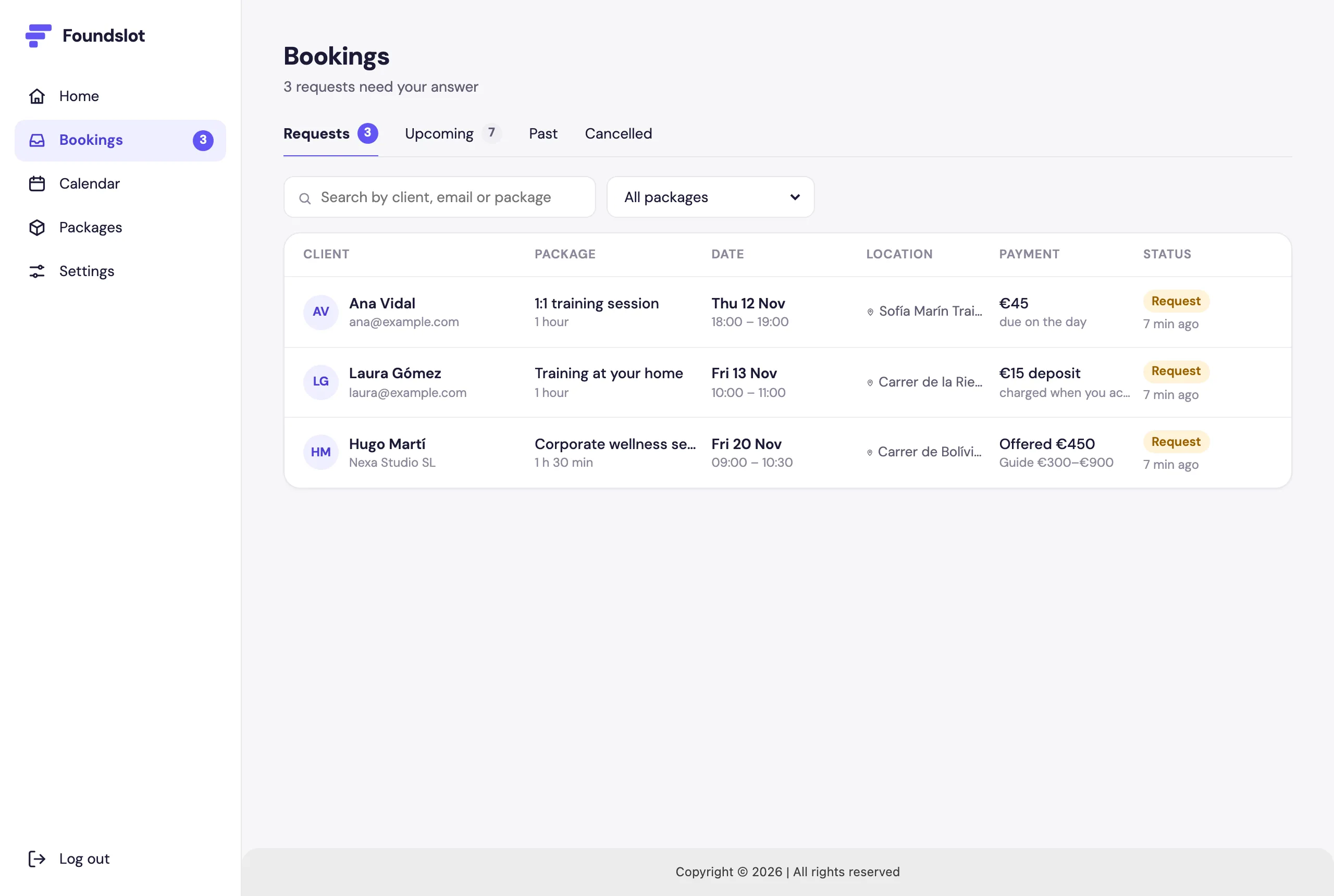
Requests appear at the top of Home and in Bookings › Requests. The number next to Bookings in the menu shows how many are waiting.
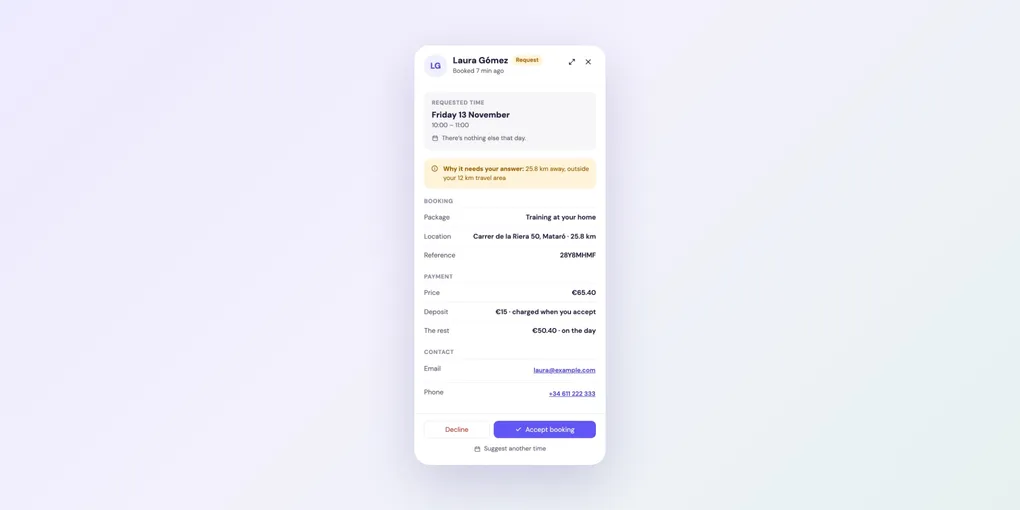
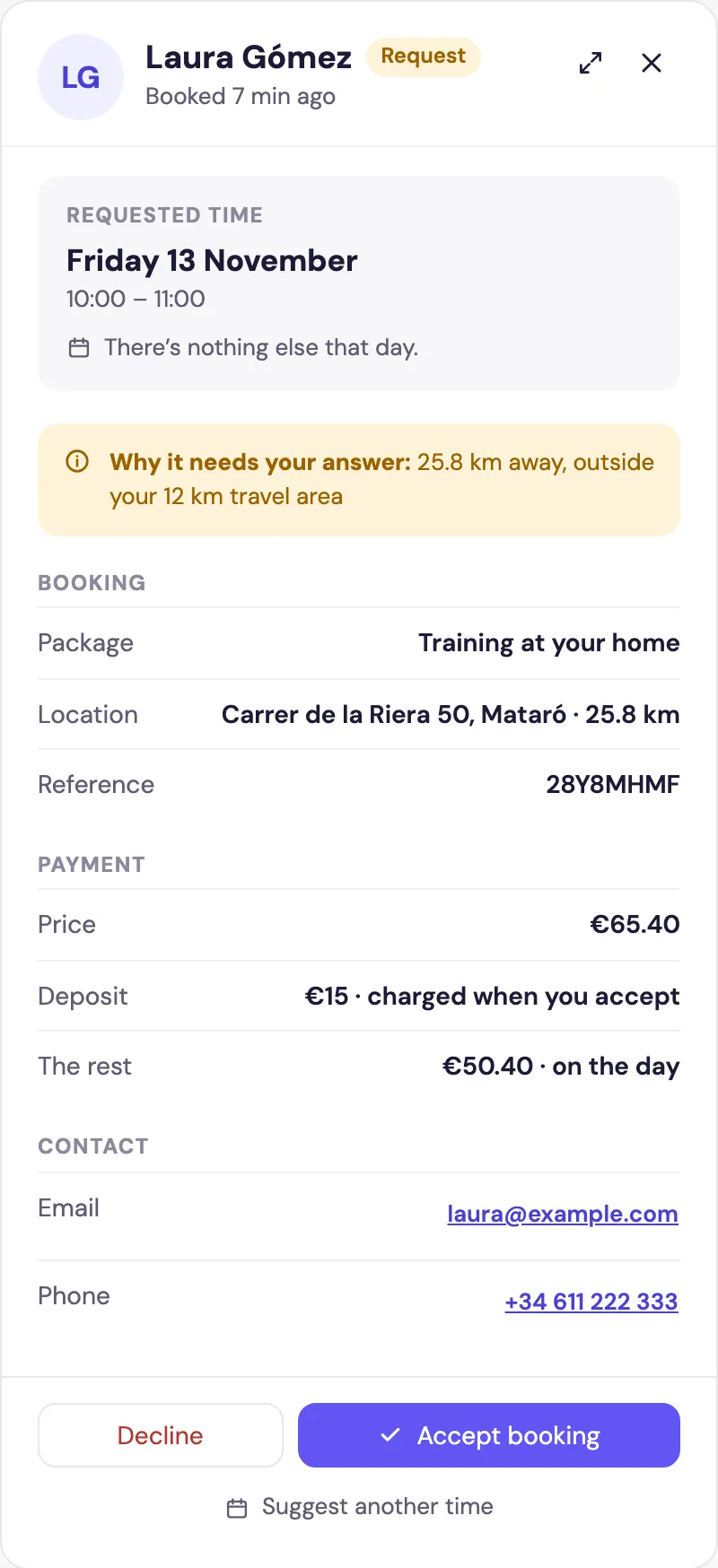
Click one to open its panel. Why it needs your answer tells you what triggered it, followed by the booking, payment, contact details and the client’s answers.
Answer a request
- Accept booking: the booking is confirmed, any deposit is charged, and the client gets a confirmation email.
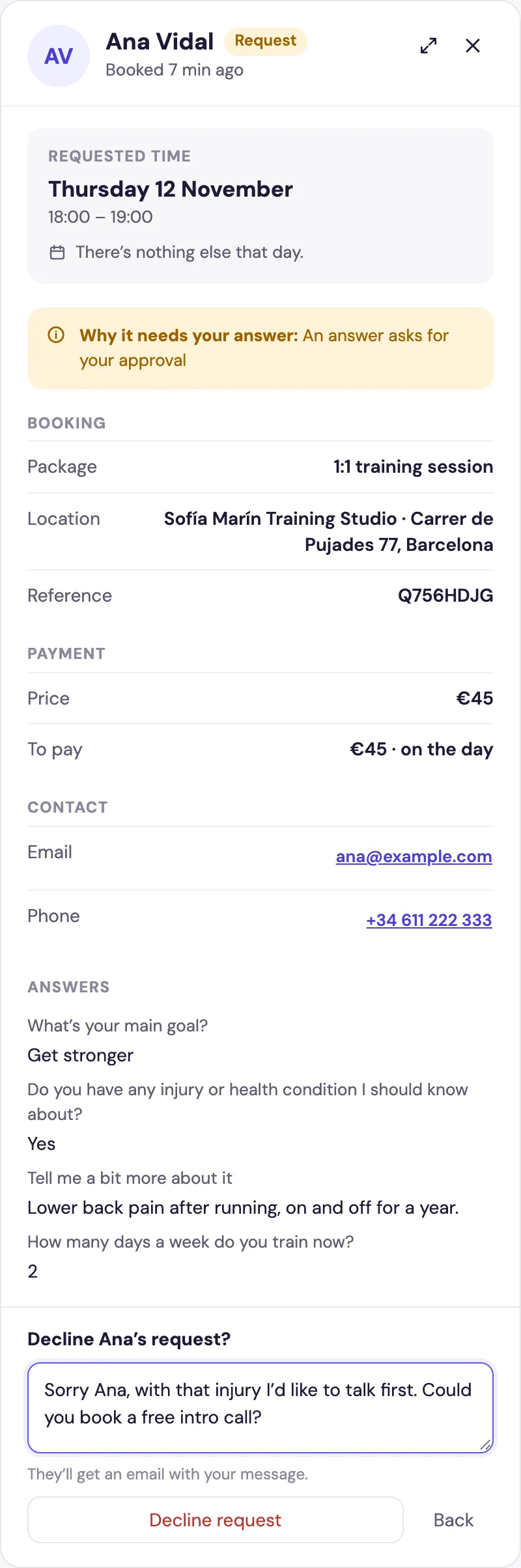
- Decline: write a message for the client, then click Decline request. They get it by email. Any card details are forgotten and nothing is charged.
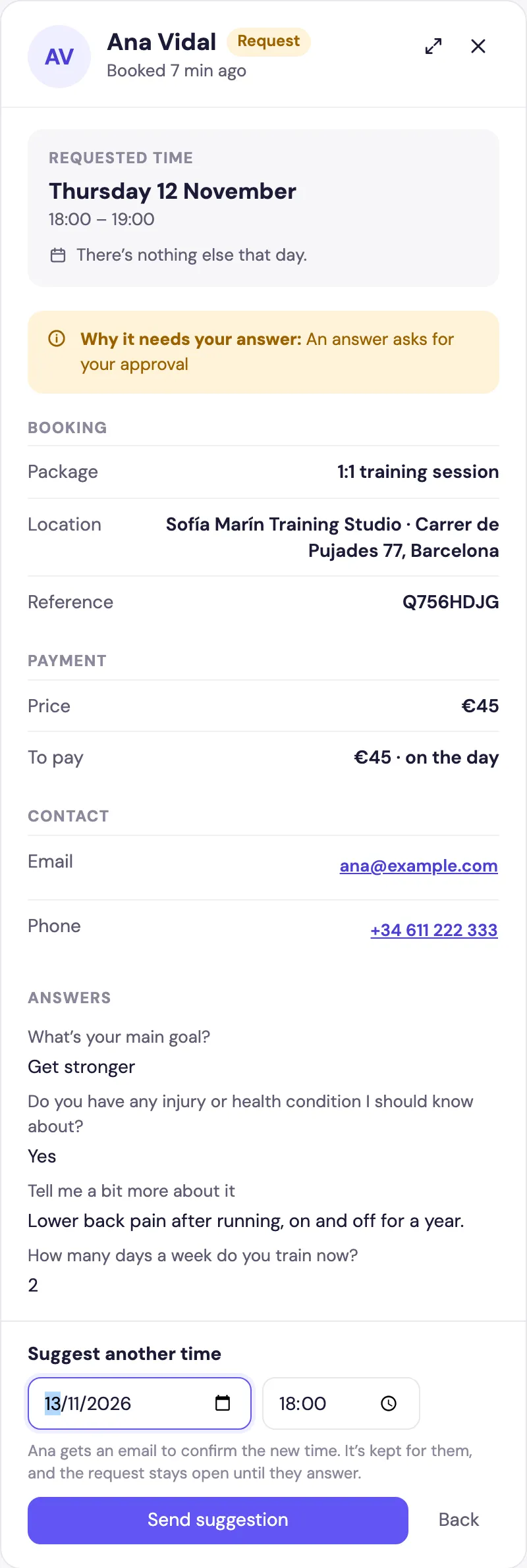
- Suggest another time: choose a new date and time and click Send suggestion. The client gets an email to confirm it. The time is kept for them, and the request stays open until they answer.
For Open price requests, you can also reply with your own price.
Get notified
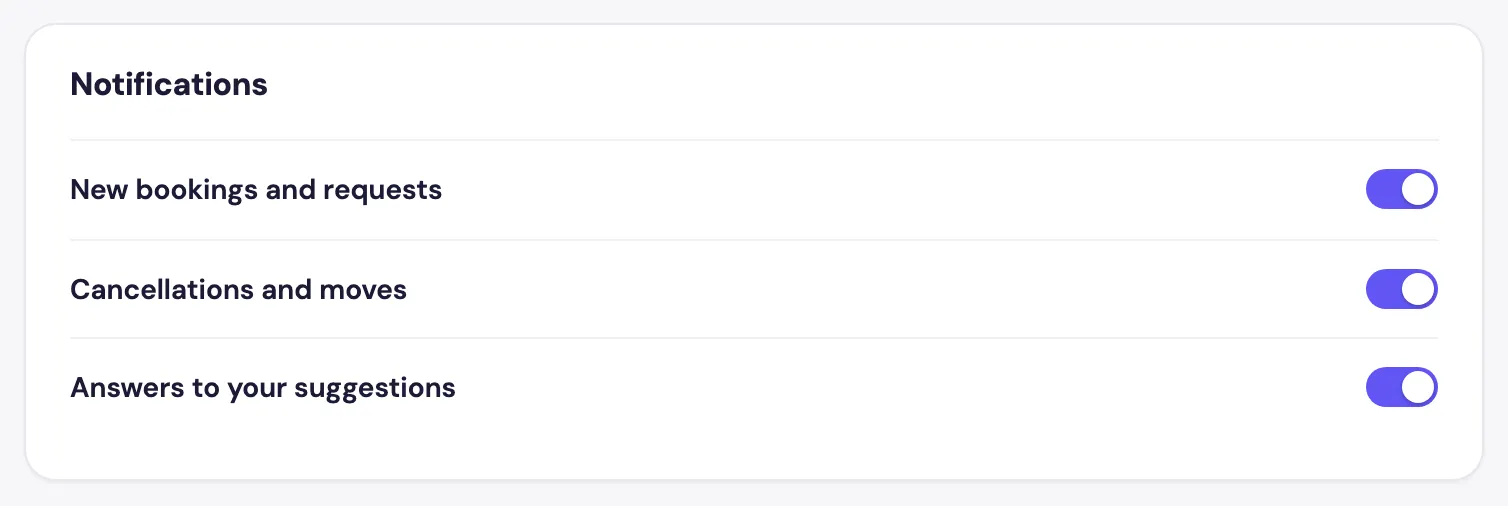
Requests don’t expire, and Foundslot emails you about a request that has waited 24 hours. To hear about new ones straight away, go to Settings › Notifications and turn on notifications for your browser or phone.