
Instant Booking or Manual Approval: How to Choose
Each package decides how bookings are confirmed. You can set it in the package editor’s Details tab, under How bookings are confirmed.
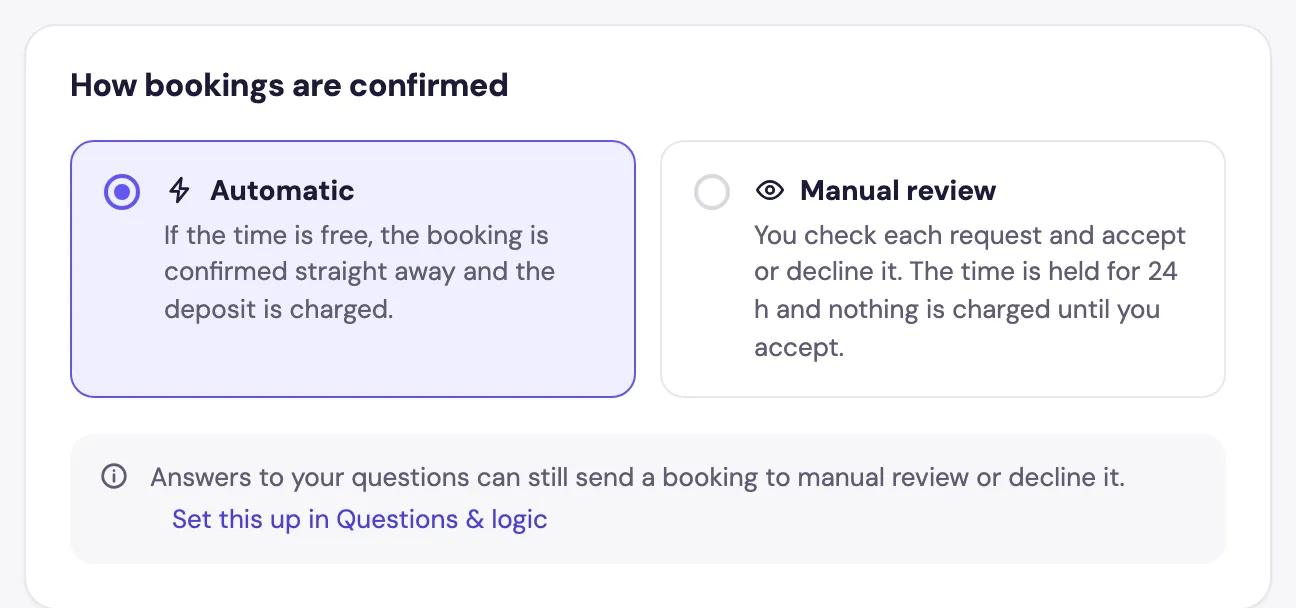
Automatic
If the time is free, the booking is confirmed straight away and the deposit, if any, is charged. Best for standard sessions where any client is welcome: it’s faster for clients and less work for you.
Manual review
Every booking arrives as a request. You accept or decline it, and nothing is charged until you accept. Best for big or unusual jobs, such as a wedding, where you want to check the details first.
When an automatic booking becomes a request
Even with Automatic, Foundslot sends a booking to you for approval when:
- an answer has a Send to manual review rule,
- the address is outside your travel area and you chose manual review,
- it’s a last-minute booking and you turned on last-minute review,
- it’s an Open price offer,
- some dates of a pack don’t fit and you chose manual review.
The request shows why it needs your answer.
Answering requests
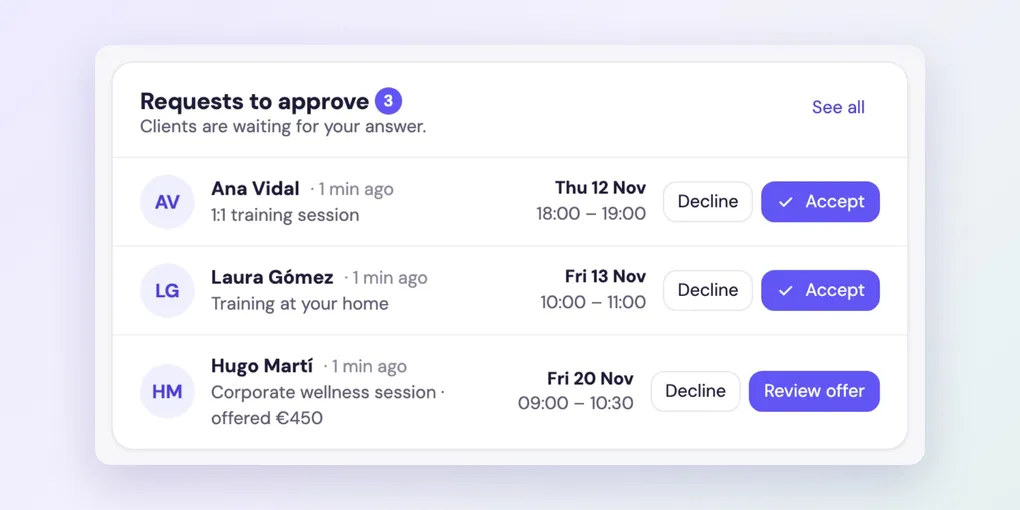
Requests appear at the top of Home, where you can accept them straight away, and in Bookings › Requests.
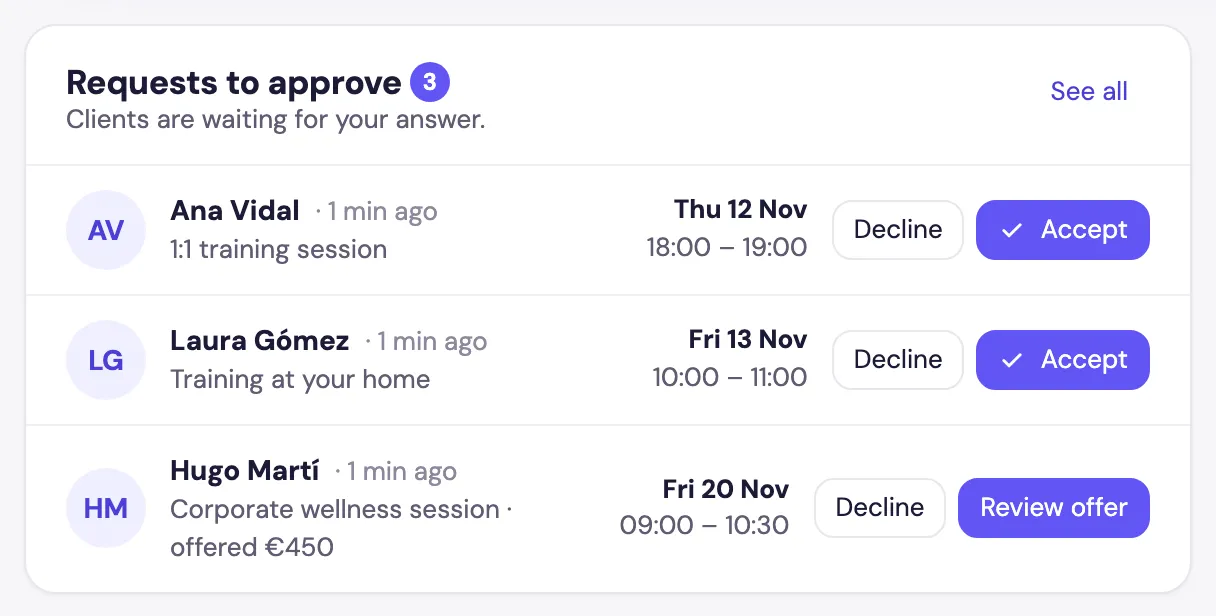
See how to handle booking requests for every option, including suggesting another time.